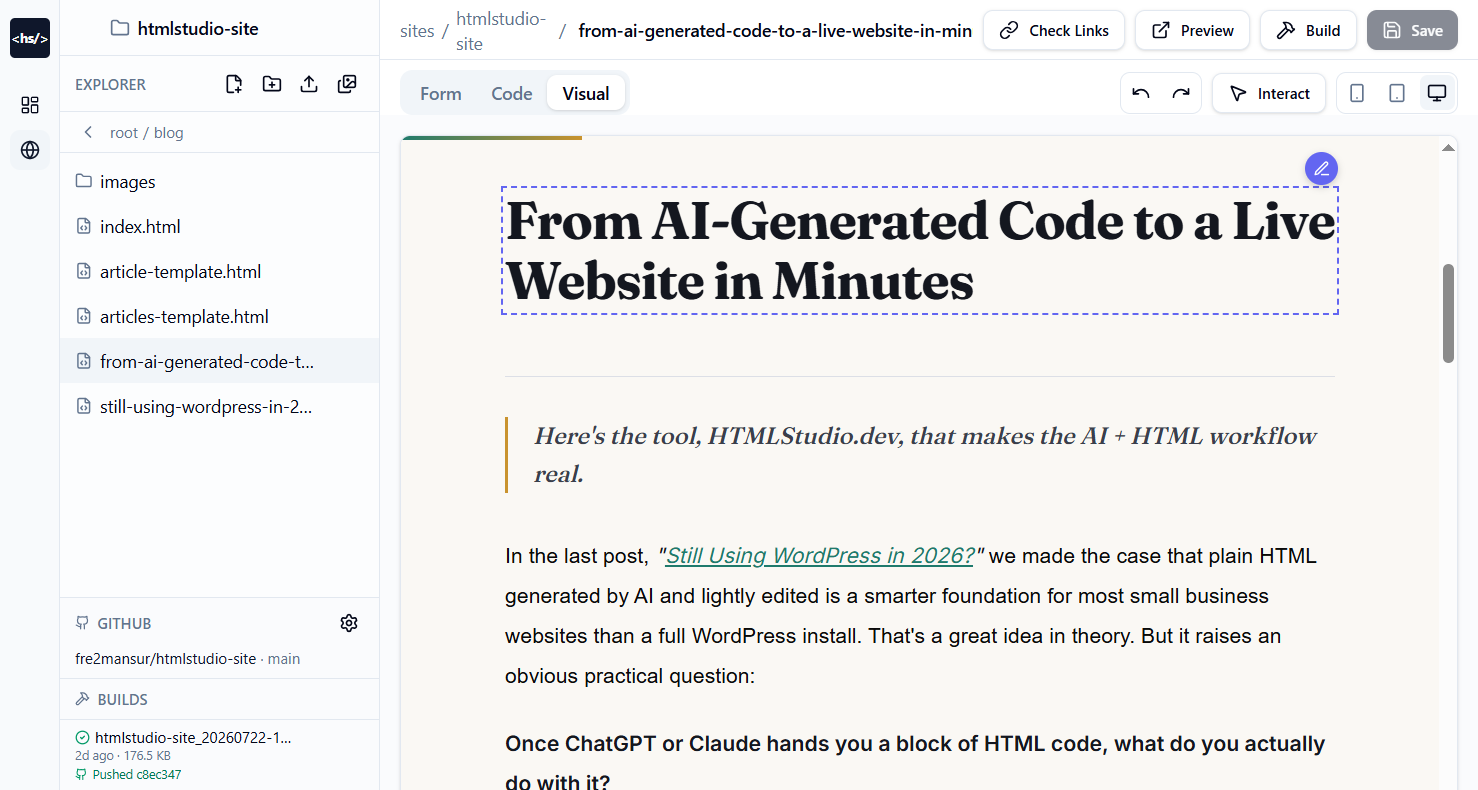
In the last post, "Still Using WordPress in 2026?" we made the case that plain HTML generated by AI and lightly edited is a smarter foundation for most small business websites than a full WordPress install. That's a great idea in theory. But it raises an obvious practical question:
Once ChatGPT or Claude hands you a block of HTML code, what do you actually do with it?
You can't email a .html file to yourself and call it a website. You still need somewhere to paste that code, add more pages, fix broken links, organize assets, and get it live on the internet without dragging in a 4GB WordPress install to do it.
That's the exact gap HTMLStudio.dev is built to close.
The Problem It Solves
AI can write you a beautiful single HTML file in seconds. But a real website is never just one file it's multiple pages, shared assets, images, fonts pulled from a CDN, internal links between pages, and eventually, a live URL your customers can actually visit.
Doing that by hand means juggling folders, manually checking every <a href> tag, downloading fonts and images one by one, and finding a way to deploy it the exact busywork that made WordPress and page builders appealing in the first place.
HTMLStudio.dev takes the AI-generated code you already have and turns it into a properly structured, checked, and deployed website without needing a database, plugins, or a CMS underneath it.
How the Workflow Actually Works
Here's the real step-by-step process:
1. Generate your site with AI Go to Claude or ChatGPT and describe your business what it does, who it's for, what pages you need. The AI generates clean HTML for your homepage.
2. Sign in to HTMLStudio.dev A simple login screen gets you into your Website Builder dashboard.
3. Check your dashboard Your dashboard shows every site you've built, total page counts, and a one-click Create button for starting something new a simple overview, no clutter.
4. Create a new site Click Create, name your site, and HTMLStudio automatically scaffolds an index.html page for you to build on.
5. Paste in your AI-generated code Open the built-in code editor, paste the HTML your AI assistant generated, and save. Need another page an About page, a Contact page? Go back to your AI, ask it to generate that page, and paste it in the same way.
6. Edit however you're comfortable This is where HTMLStudio bridges both worlds: edit the raw code directly if you're technical, or switch to the visual editor and click directly on text and elements on the live preview to update them no code required.
7. Run Check Links Before you go live, click Check Links. It scans every page and shows you each link and where it points, so you can catch a broken or mistyped path before a visitor does.
8. Hit Build This is the step that does the heavy lifting. Build:
Pulls in and downloads any CDN-hosted assets (fonts, images, stylesheets) into a local
assetsfolderUpdates your HTML to reference those local files instead of external CDNs
Auto-generates a
sitemap.xmlfor SEOPackages everything into a downloadable zip, ready to host anywhere
9. Connect to GitHub (optional but powerful) Link your GitHub repo once, set your branch and output subdirectory, and every time you build, HTMLStudio pushes the updated site straight to your repo automatically.
10. Deploy From there, GitHub connects seamlessly to Cloudflare Pages, Netlify, or any static host and your site is live. No Apache, no server config, no database.
Why This Matters
This workflow keeps every promise made in the first post:
Still lightweight you get plain HTML/CSS output, not a bloated CMS
Still AI-first the content generation happens conversationally, in Claude or ChatGPT
Still editable by non-developers the visual editor covers the "I'm not technical" gap that Elementor and Wix used to fill
Now production-ready link checking, asset bundling, sitemap generation, and one-click deployment turn a raw AI output into a real, live, SEO-ready website
In other words: AI writes the content, HTMLStudio turns it into a shippable website, and GitHub + Cloudflare/Netlify keep it live. No plugins to update. No database to break. No 1GB install for a 6-page site.
That's the workflow the last post was building toward and it's already here.